Build a Medieval Army CANNONS Controls & Interface Guide
Move, aim the camera, redeem codes, recruit, and use map commands without fumbling mid-raid.
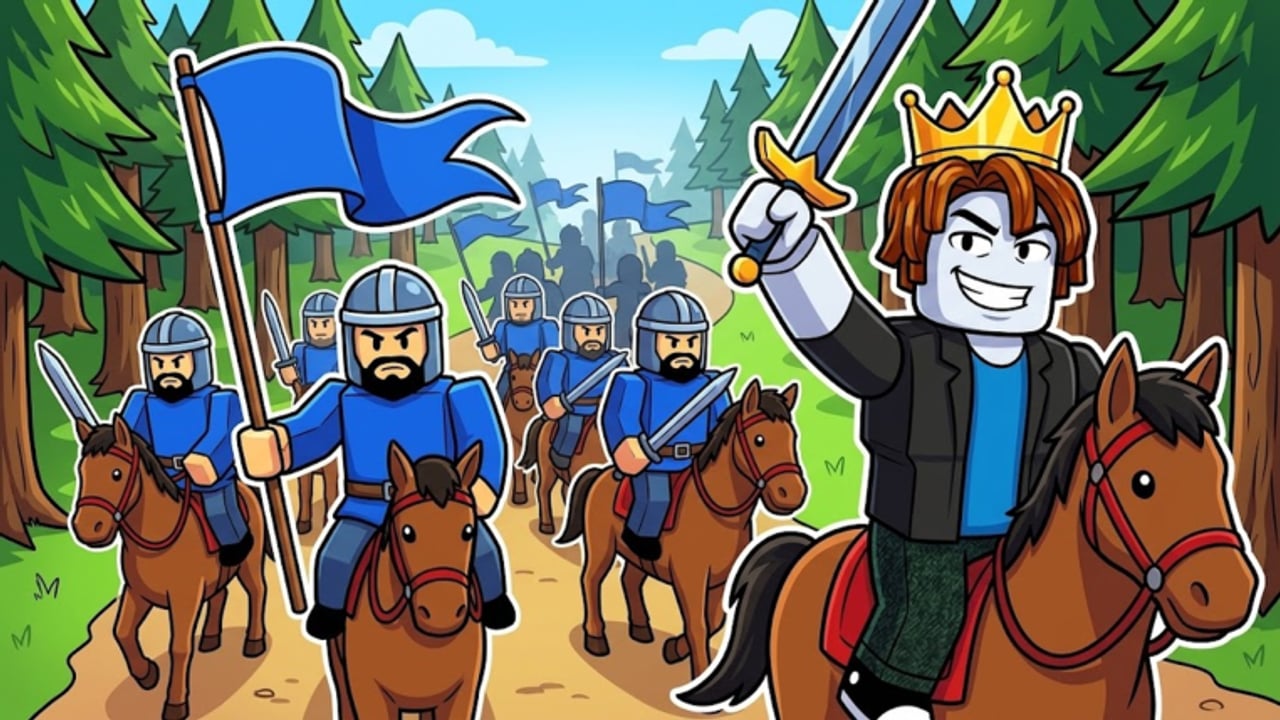
Clean controls win fights in Build a Medieval Army CANNONS as often as troop quality. Four-player servers punish players who cannot open the gear menu for codes, redirect an army while a flag is in motion, or read the map after the HUGE UPD forts/raiding pass. This page covers movement and camera basics, the gear/codes flow, recruitment UI habits, map command / patrol / middle-flag concepts from recent updates, and mobile tips. Pair it with Getting Started, How to Play, and Forts & Raiding.
Roblox defaults still apply underneath ZedCo’s tycoon UI. Exact keybinds can differ if you remapped Roblox settings; use this as a habit checklist, then confirm in your own client after patches listed on Updates.
Movement and camera
PC
- Move with standard WASD (or your remapped keys).
- Use mouse look to track carriers, cavalry flanks, and cannon cart approaches.
- Jump/climb only when it shortens a return path—emoting on a flag carry is how returns die.
- Strafe while escorting so you can see both the carrier and the threat lane.
Camera habits that matter
- Pull the camera up for a wide read before you commit a steal.
- Snap back to third-person close when microing gate defense.
- After banking cash, do a 360 check of your gate before opening the shop UI.
Controller / console-style
If you play with a gamepad via Roblox, keep sensitivity moderate so you can track cavalry. Prefer deliberate camera resets over constant flick spam during escorts.
Gear menu and codes
Promo codes redeem through the in-game gear flow (commonly a gear icon on the left), then a Codes tab. Steps in short:
- Open the gear / settings-style panel on the left.
- Open Codes.
- Paste exactly (
CASHERvscasher72matter). - Press Enter / Redeem and watch for the reward popup.
Full troubleshooting lives on How to Redeem Codes. Active lists—including newbig2xmascash (may replace big2xmascash; test both), GZED, and CASHER—live on the Codes Hub. Never share account cookies with “auto redeem” scripts.
Recruitment and army UI
Your tycoon buttons unlock soldiers, weapons, and structure. Practical UI discipline:
- Buy pumps and structure before vanity units when cash is tight (Early Income, Cash Multipliers).
- Keep a mental loadout: anchors at home, escort package for returns, optional hill detachment.
- After prestige resets, reopen the recruitment path in order—do not panic-buy the first shiny button (How to Prestige).
- Claim the free Praetorian via the ZedCo group so it appears in your available power without Robux.
Unit roles and rankings: Players, Troops Tier List, Prestige Units.
Map commands, patrols, and middle flag
The live description and November 2026 event messaging emphasize map, raiding, forts, and leaderboards, with community talk around map commands, camps, and mana-linked directives. Use these concepts even when labels shift:
- Map check before every major commit—who owns hill, which fort is contested, who is AFK.
- Patrol / redirect so your army is not stacked on a dead lane while another approach burns your gate.
- Middle flag targeting — treat center as the +20% income objective; assign pressure deliberately instead of accidental mid-map wandering.
- Camps / staging (when live) — shorten the distance between your force and the objective you actually care about.
If a command fails after a hotfix, assume remotes moved; relearn from a quiet server for two minutes before a ranked tryhard lobby. Broader strategy: Forts & Raiding and HUGE UPD.
Combat-adjacent controls (formations & siege)
You do not need a fighting-game input list, but you do need habits:
- Stage shield wall / testudo-minded clumps at chokepoints before carts arrive (Base Defense, Cannon Carts).
- Keep cavalry answers tight when escorting; long diagonals across open ground are where carriers die (Flag Raids).
- Do not open large shop menus while a cart is mid-push—finish the defense click first.
Mobile tips
Touch players can thrive if they simplify:
- Increase camera comfort in Roblox settings so pinch-zoom does not fight you mid-carry.
- Use fewer simultaneous objectives: one return or one hill contest, not three menus at once.
- Prefer short return paths; mobile micro loses to PC flick shots in long open chases.
- Redeem codes at spawn or in a safe moment—not while you are the carrier.
- Consider a quiet practice server to learn gear → Codes → Redeem muscle memory.
- When forts and map panels get busy after HUGE UPD, landscape orientation (if available on your device) helps read leaderboards and lanes.
Accessibility and QoL
- Lower graphics if forts + carts + armies tank your FPS—input lag loses returns.
- Mute chaos SFX if callouts from friends matter more than cannons.
- Keep a notes app with your rebuild order and active codes list for prestige days.
Common control mistakes
- Digging through menus while your flag is gone.
- Forgetting codes exist until you are already broke mid-prestige rebuild.
- Never opening the map after the forts/raiding update.
- Camera locked too tight to see cavalry.
- Mobile players trying PC-length escort routes.
More pitfalls: Common Mistakes.
Practice drill (10 minutes)
- Spawn → gear → Codes → redeem one active code.
- Buy one pump or structure button deliberately.
- Open map; note hill owner and richest rival.
- Stage an escort; take a safe steal or concede and hold home.
- After any bank, camera-check gate before the next menu.
Repeat until the flow is boring. Boring controls are how you win loud lobbies.
Related reading
Master the interface first. Movement, camera, gear-codes, recruitment order, and map commands turn the same troops into cleaner returns, longer hill holds, and fewer “I had the army but lost the UI fight” stories.
Frequently Asked Questions
Quick answers to the most common questions.
Where do I redeem codes in Build a Medieval Army CANNONS?
Open the gear icon on the left, go to the Codes tab, paste the code exactly, then redeem. Full steps are on How to Redeem Codes.
What should I do with the map after the forts update?
Check hill ownership, contested forts, and distracted rivals before committing. Redirect patrols so you are not stuck on the wrong lane.
Any mobile-specific tips?
Simplify objectives, redeem codes in safe moments, prefer short return paths, and practice the gear menu offline from combat.
Should I open the shop while defending?
Not during an active cart or gate hit. Finish the defense, then buy. Menu tunnel vision loses stashes.
Do controls change after prestige?
Core Roblox movement stays; your tycoon buttons reset with progress. Reopen recruitment in a planned order using the prestige guide.